 jasmine
4b462616bb
jasmine
4b462616bb

- Fix typos (necessarily, persistence, ephemeral)
- Add Hosts section describing fuchsia and viridian
- Update and reorganize Features list
  - Add snapper automated snapshots
  - Add Traefik reverse proxy with security middleware
  - Update backup and DNS descriptions
- Add Usage section documenting justfile commands
- Fix repository URL (dotfiles.nix → nix-config)
- Add update and update-input recipes to justfile
3 KiB
3 KiB
NixOS & Home-Manager Configuration
My NixOS and Home-Manager config files. Based upon Misterio77's starter configs.
This repo is often neglected and doesn't necessarily follow best practices. I recommend only using this repo for inspiration and instead use this boilerplate
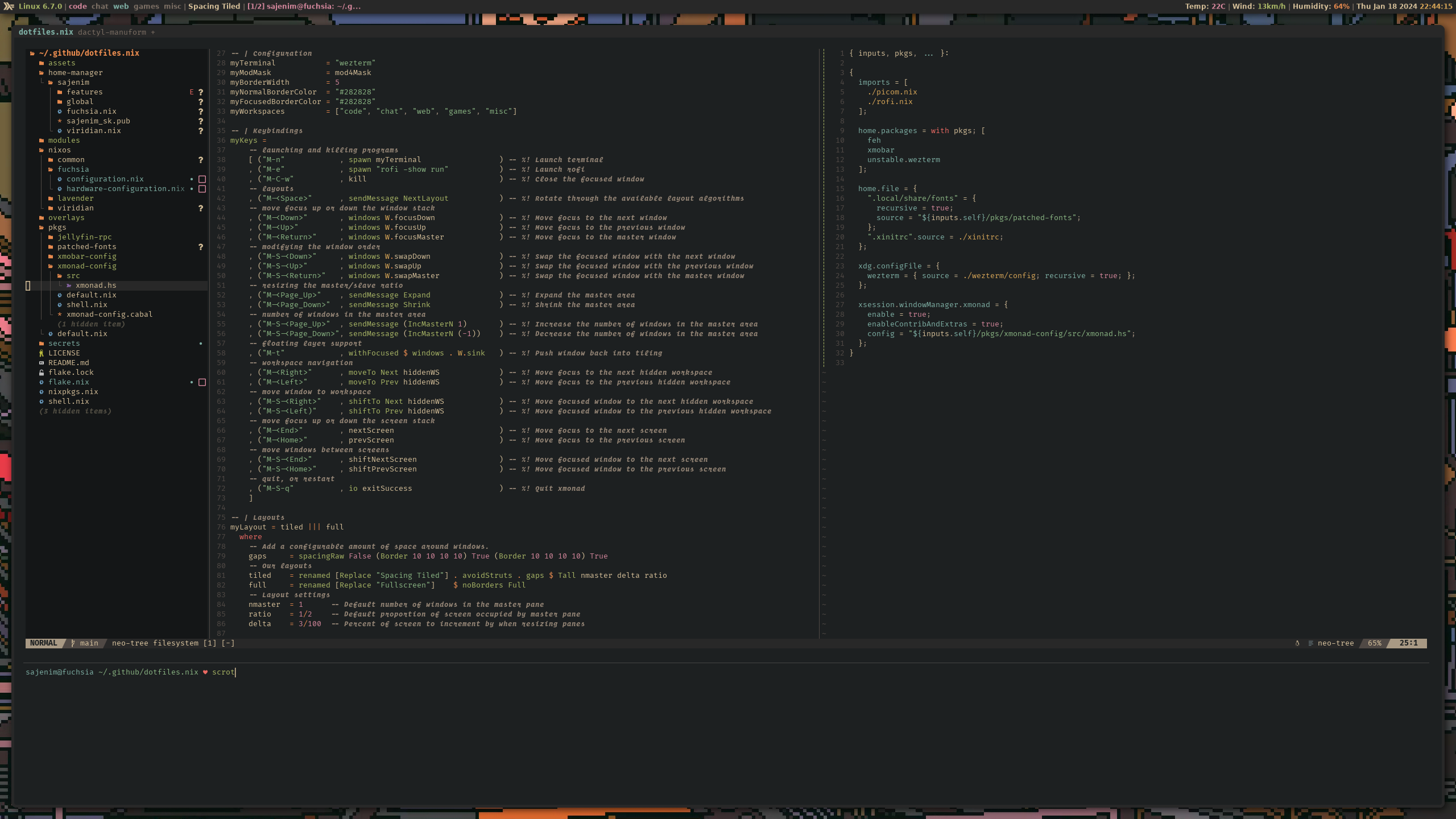
Preview
Hosts
- fuchsia - Desktop gaming and development machine with full desktop environment
- viridian - Server hosting multimedia services, git forge, and various web services
Features
- Opt-in persistence with ephemeral btrfs root and 14-day snapshot retention.
- Snapper automated snapshots with tiered retention (24h/7d/4w/12m).
- Automated borgbackup of mutable service and container data.
- Traefik reverse proxy with geoblock and crowdsec security middleware.
- Secrets managed with agenix and rekeyed with yubikey.
- Standalone nixvim configuration for neovim.
- Custom haskell packages for xmonad & xmobar.
- Declarative minecraft server with nix-minecraft.
- Media server with typical *arr stack.
- Private DNS with .home.arpa for all internal services.
Usage
Common tasks are available via the justfile:
just build <hostname>         # Build configuration without switching
just switch <hostname>        # Build and switch to new configuration
just deploy <hostname>        # Deploy to remote host over SSH
just update                   # Update all flake inputs
just update-input <input>     # Update specific flake input
Installation
# Prepare disks, create an EFI System partition and Linux Filesystem partition
fdisk /dev/nvme0n1

# Create our filesystems
mkfs.fat -F32 -n ESP /dev/nvme0n1p1
mkfs.btrfs -L ${hostname} /dev/nvme0n1p2

# Create our subvolumes
mount /dev/nvme0n1p2 /mnt/btrfs
btrfs subvolume create /mnt/btrfs/{root,nix,persist,swap}
umount /mnt/btrfs

# Prepare for installation
mount -o compress=zstd,subvol={root,nix,persist,swap} /dev/nvme0n1p2 /mnt/{nix,persist,swap}
mount /dev/nvme0n1p1 /mnt/boot

# Clone the configuration files and enter repo
git clone https://github.com/sajenim/nix-config.git && cd nix-config

# Install our system configuration
nixos-install --flake .#hostname
FAQ
- What is nix?
Nix is a tool that takes a unique approach to package management and system configuration. - Nix benefits
Nix is reproducible, declarative and reliable. - Why flakes?
Flakes allow you to specify your code's dependencies (e.g. remote Git repositories) in a declarative way, simply by listing them inside a flake.nix file.